Spreadsheets, free.
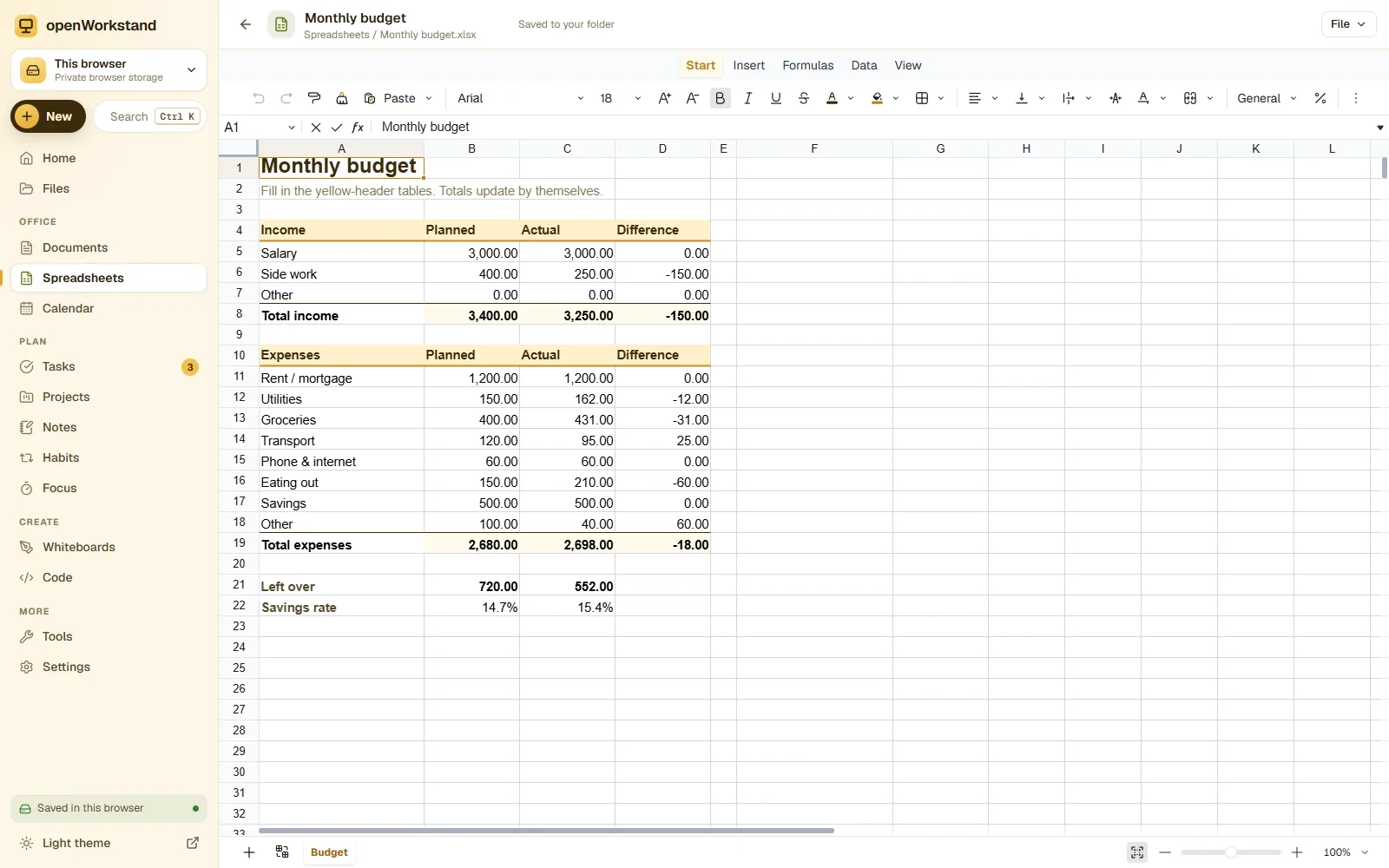
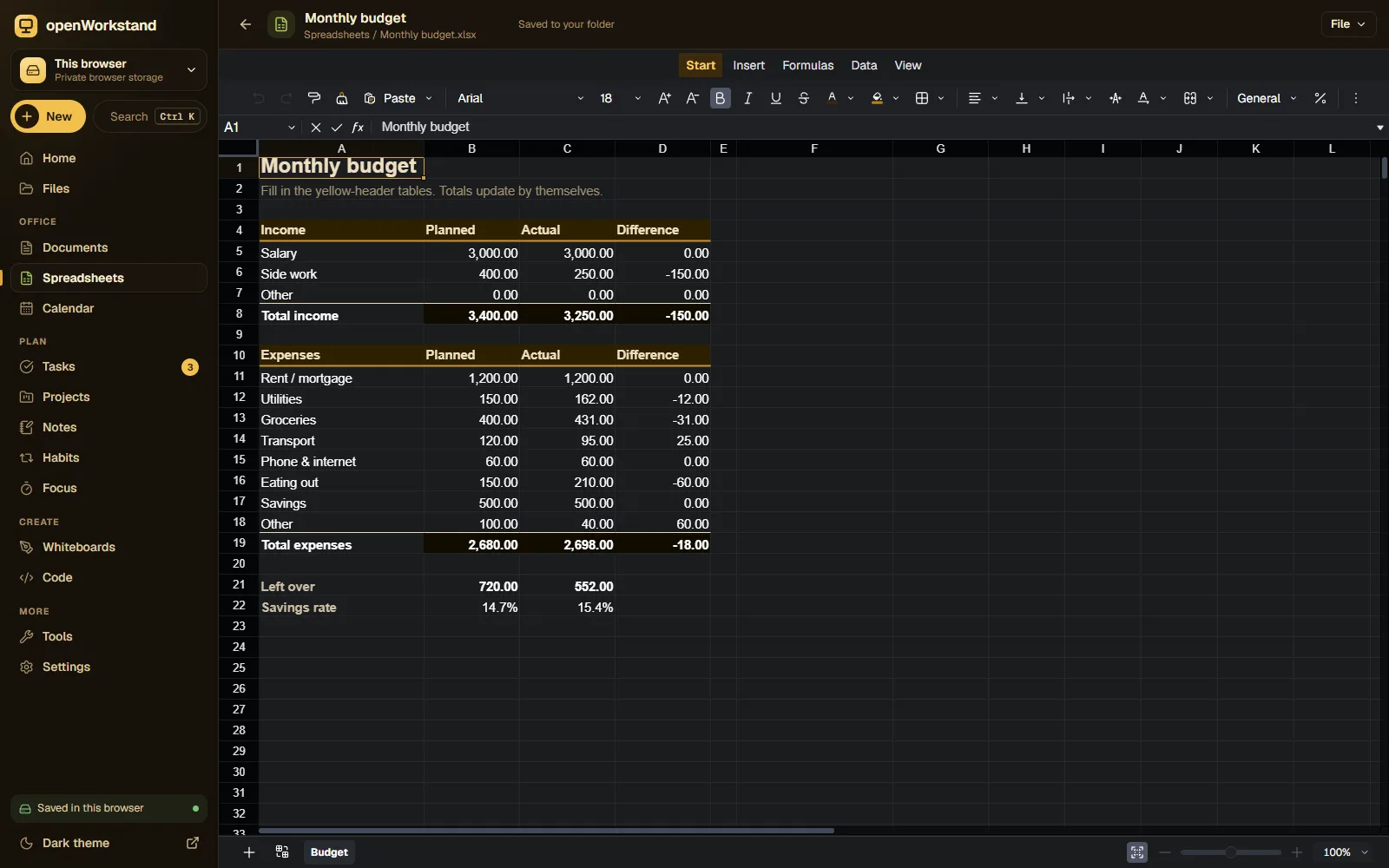
Budgets, timetables, inventories and reports with 400+ Excel-compatible formulas, cell formatting, filters and several sheets per file. Saves real .xlsx files in a folder on your computer.
What you get
400+ formulas
SUM, AVERAGE, IF, VLOOKUP, XLOOKUP, COUNTIF, dates, text and finance functions, just like Excel.
Cell formatting
Fonts, colors, borders, merged cells, wrapping, and number formats for currency, percent and dates.
Sort and filter
Sort columns, filter rows and freeze headers to work with long lists comfortably.
Several sheets
Add, rename and reorder sheets inside one workbook, and reference cells across sheets.
Opens Excel files
Open .xlsx and .csv files and save back to .xlsx that Excel and Google Sheets can read.
Private by design
Calculations run on your device and files are saved to your own Spreadsheets folder.
Three steps. No account.
- Choose a folder on your computer for your workspace.
- Create a spreadsheet or open an .xlsx or .csv file.
- Type data and formulas; your workbook saves as an Excel file.
Saved in your own Spreadsheets folder.
openWorkstand works on files in a folder you choose on your computer. Nothing is uploaded and there is no account, so yourspreadsheets stay private and keep working without the internet.
File formats
- XLSX (Excel)
- CSV
- TSV
Stored in
- Spreadsheets/
- My openWorkstand
- Documents
- Spreadsheets← Spreadsheets
- Notes
- Tasks
- Projects
- Calendar
- Whiteboards
- Code
- PDFs
- Images
Why use a free spreadsheet in your browser?
Spreadsheets are the most used work tool in the world, but many people only need the essentials: formulas, formatting, filters and a file that opens in Excel. openWorkstand gives you that for free, on any computer, without installing anything.
Your workbook is a normal .xlsx file in your own folder. Email it, put it on a USB stick or open it in Excel; openWorkstand never keeps a copy.
Frequently asked questions
Are Excel formulas supported?
Yes. More than 400 functions are supported, including SUM, IF, VLOOKUP, XLOOKUP, INDEX/MATCH, COUNTIFS, SUMIFS, TEXT and DATE functions.
Can I open a file someone sent me?
Yes. Open any .xlsx or .csv file. Values, formulas, formatting, merged cells and column widths are imported.
Where are my files saved?
In a folder you choose on your own computer (for example Documents/openWorkstand). openWorkstand has no servers that store your work, so nothing is uploaded. In browsers that cannot open a folder, files are kept in private browser storage on your device and you can download them at any time.
Is it really free?
Yes. There is no paid plan, no trial and no account. openWorkstand is supported by a few ads on public tool pages; there are never ads inside your workspace.
Ready when you are.
No sign-up, nothing to install. Your files stay on your computer.