Notes that stay yours.
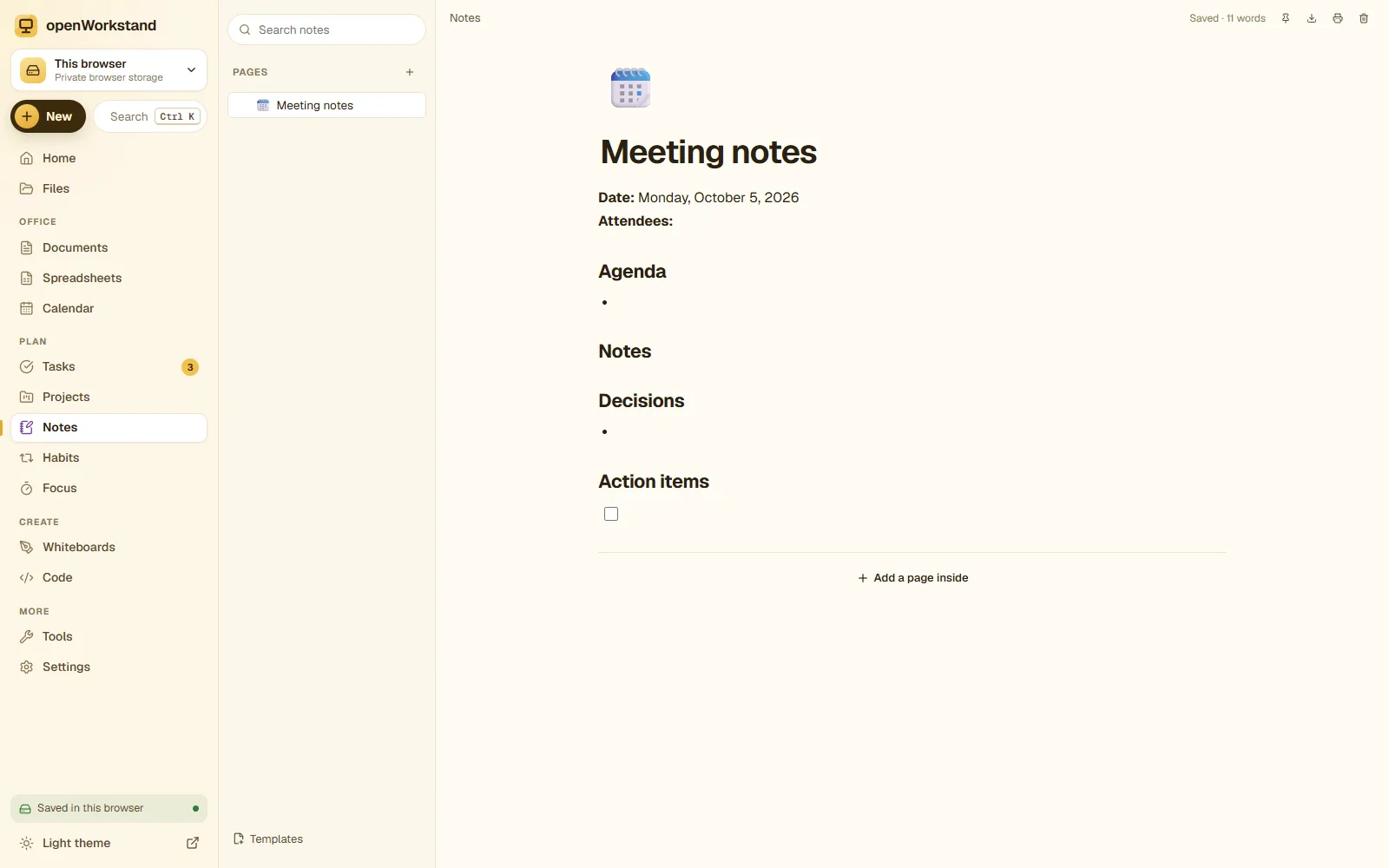
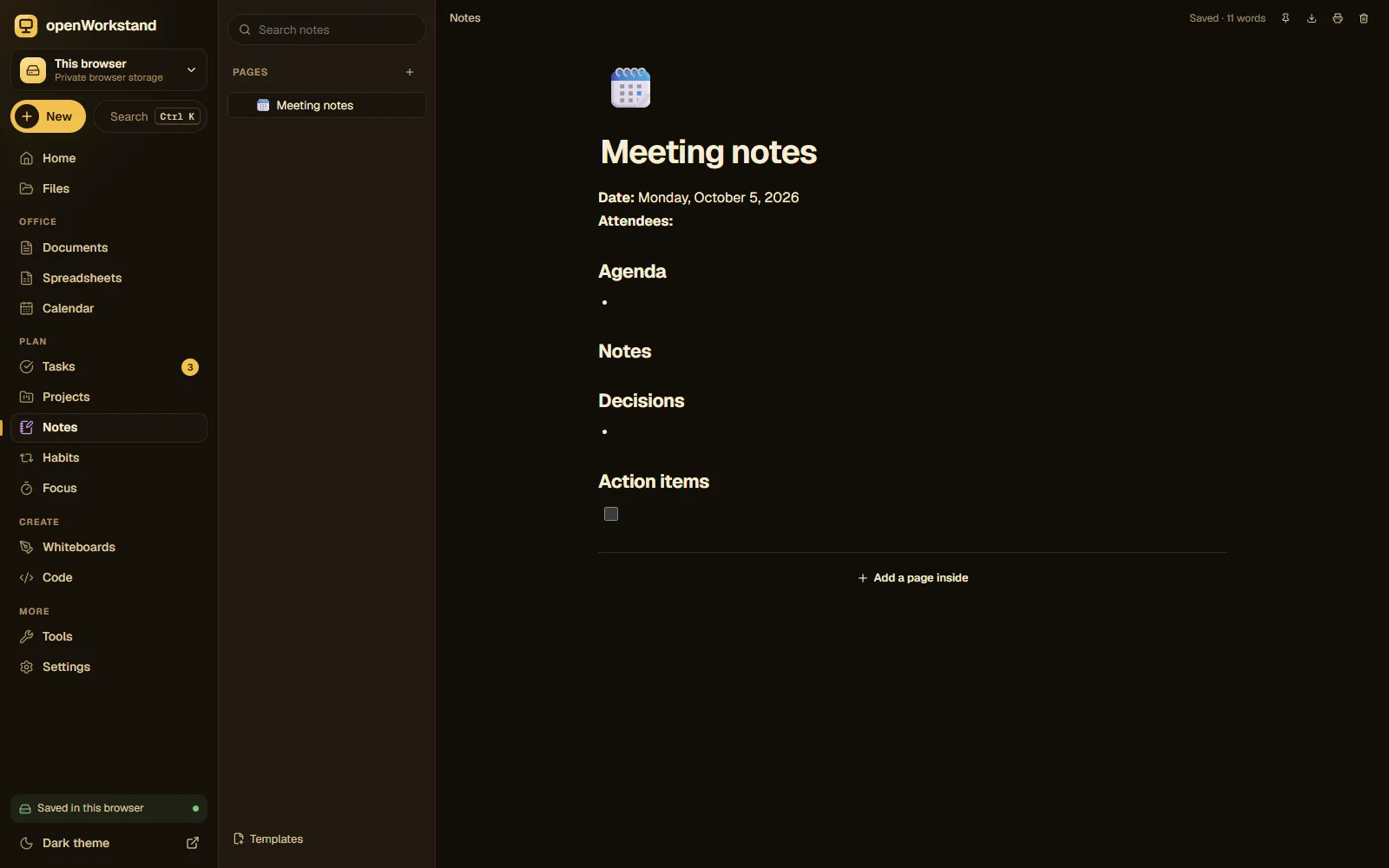
A calm editor for notes, plans and wikis. Type “/” for headings, checklists, tables, callouts and toggles, nest pages inside pages, and keep everything as plain Markdown files in your own folder.
What you get
Slash commands
Type “/” to insert headings, checklists, tables, callouts, toggles, quotes, code and dividers.
Pages inside pages
Organize notes in a tree, like a personal wiki, with icons and favorites.
Templates
Meeting notes, project brief, weekly plan, journal, lecture notes and more.
Instant search
Find any note by title or content in a moment.
Plain Markdown
Notes are .md files that open in Obsidian, VS Code or any text editor.
Works offline
Your notes live on your computer, so writing never waits for the internet.
Three steps. No account.
- Choose a folder on your computer for your workspace.
- Create a note or start from a template.
- Type “/” to add blocks and nest pages to stay organized.
Saved in your own Notes folder.
openWorkstand works on files in a folder you choose on your computer. Nothing is uploaded and there is no account, so yournotes & wiki stay private and keep working without the internet.
File formats
- Markdown (.md)
- HTML export
- PDF via print
Stored in
- Notes/
- My openWorkstand
- Documents
- Spreadsheets
- Notes← Notes & wiki
- Tasks
- Projects
- Calendar
- Whiteboards
- Code
- PDFs
- Images
Frequently asked questions
Can I open my notes in other apps?
Yes. Each note is a Markdown (.md) file in your Notes folder, readable by Obsidian, Typora, VS Code and any text editor.
Where are my files saved?
In a folder you choose on your own computer (for example Documents/openWorkstand). openWorkstand has no servers that store your work, so nothing is uploaded. In browsers that cannot open a folder, files are kept in private browser storage on your device and you can download them at any time.
Is it really free?
Yes. There is no paid plan, no trial and no account. openWorkstand is supported by a few ads on public tool pages; there are never ads inside your workspace.
Ready when you are.
No sign-up, nothing to install. Your files stay on your computer.