Write documents, free.
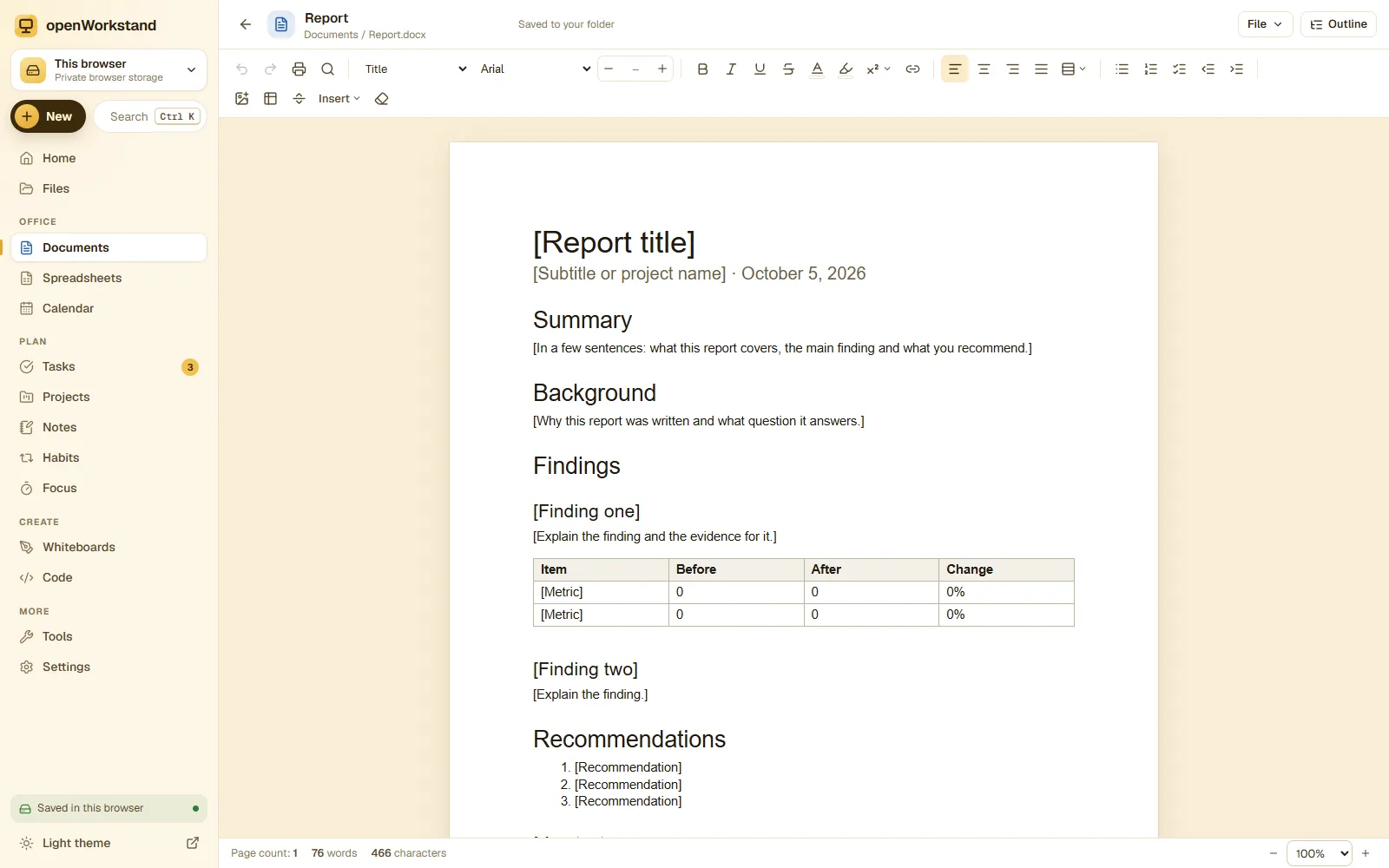
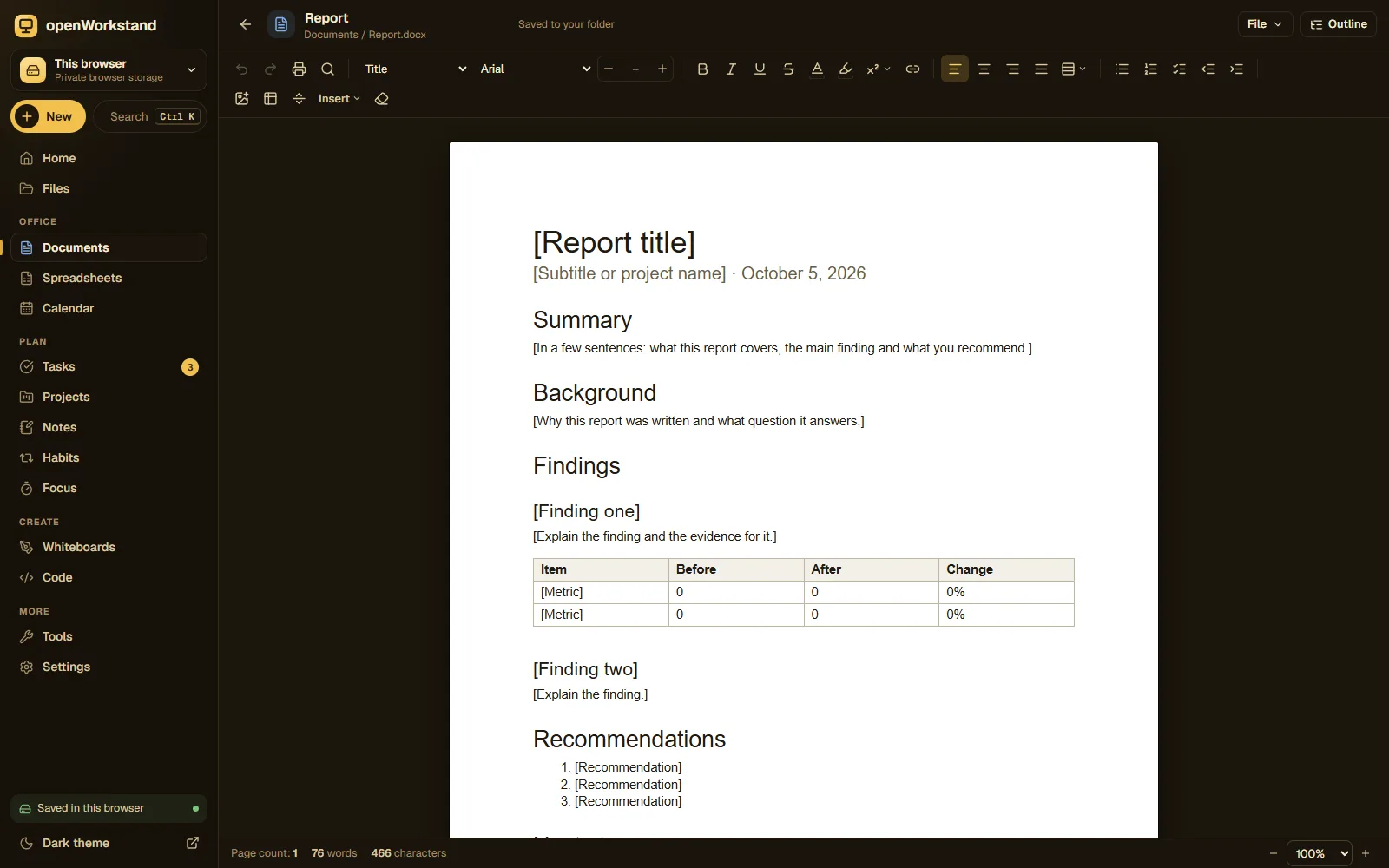
A clean word processor with fonts, headings, tables, images and real pages. Save as Word (.docx) straight into a folder on your computer, then open the same file in Microsoft Word, Google Docs or LibreOffice.
What you get
Everything you format
Fonts and sizes, bold and italic, colors and highlights, alignment, line spacing, lists and headings.
Tables and images
Insert tables with header rows, add photos and logos, and drag to resize them on the page.
Real Word files
Saves .docx files that open in Microsoft Word, Google Docs, Pages and LibreOffice.
Pages and PDF
Work on A4 or Letter pages with margins, then print or export a PDF in one click.
Find and replace
Search the whole document, replace words and see the live word count.
Saved on your computer
Every document is a file in your own Documents folder. Nothing is uploaded.
Three steps. No account.
- Choose a folder on your computer for your workspace.
- Create a document or open an existing .docx file.
- Write and format; it saves automatically as a Word file.
Saved in your own Documents folder.
openWorkstand works on files in a folder you choose on your computer. Nothing is uploaded and there is no account, so yourdocuments stay private and keep working without the internet.
File formats
- DOCX (Word)
- PDF export
- HTML
- Markdown
Stored in
- Documents/
- My openWorkstand
- Documents← Documents
- Spreadsheets
- Notes
- Tasks
- Projects
- Calendar
- Whiteboards
- Code
- PDFs
- Images
A free alternative to paid word processors
Most people only need a reliable editor that opens and saves Word files. openWorkstand gives you exactly that in your browser, with no subscription, no account and no upload: the document lives in a folder on your own computer, so you can back it up, email it or open it in another app whenever you like.
Because openWorkstand saves standard .docx files, you are never locked in. Start a report here, finish it in Word at the office, and open it again in openWorkstand at home.
Frequently asked questions
Can I open and edit existing Word documents?
Yes. Open any .docx file from your computer. Text, headings, lists, tables, links and images are imported; complex layouts such as text boxes may be simplified.
Will my document look the same in Microsoft Word?
Yes for everyday formatting: fonts, sizes, colors, alignment, lists, tables and images are written as standard Word formatting.
Where are my files saved?
In a folder you choose on your own computer (for example Documents/openWorkstand). openWorkstand has no servers that store your work, so nothing is uploaded. In browsers that cannot open a folder, files are kept in private browser storage on your device and you can download them at any time.
Is it really free?
Yes. There is no paid plan, no trial and no account. openWorkstand is supported by a few ads on public tool pages; there are never ads inside your workspace.
Ready when you are.
No sign-up, nothing to install. Your files stay on your computer.