Think on an infinite canvas.
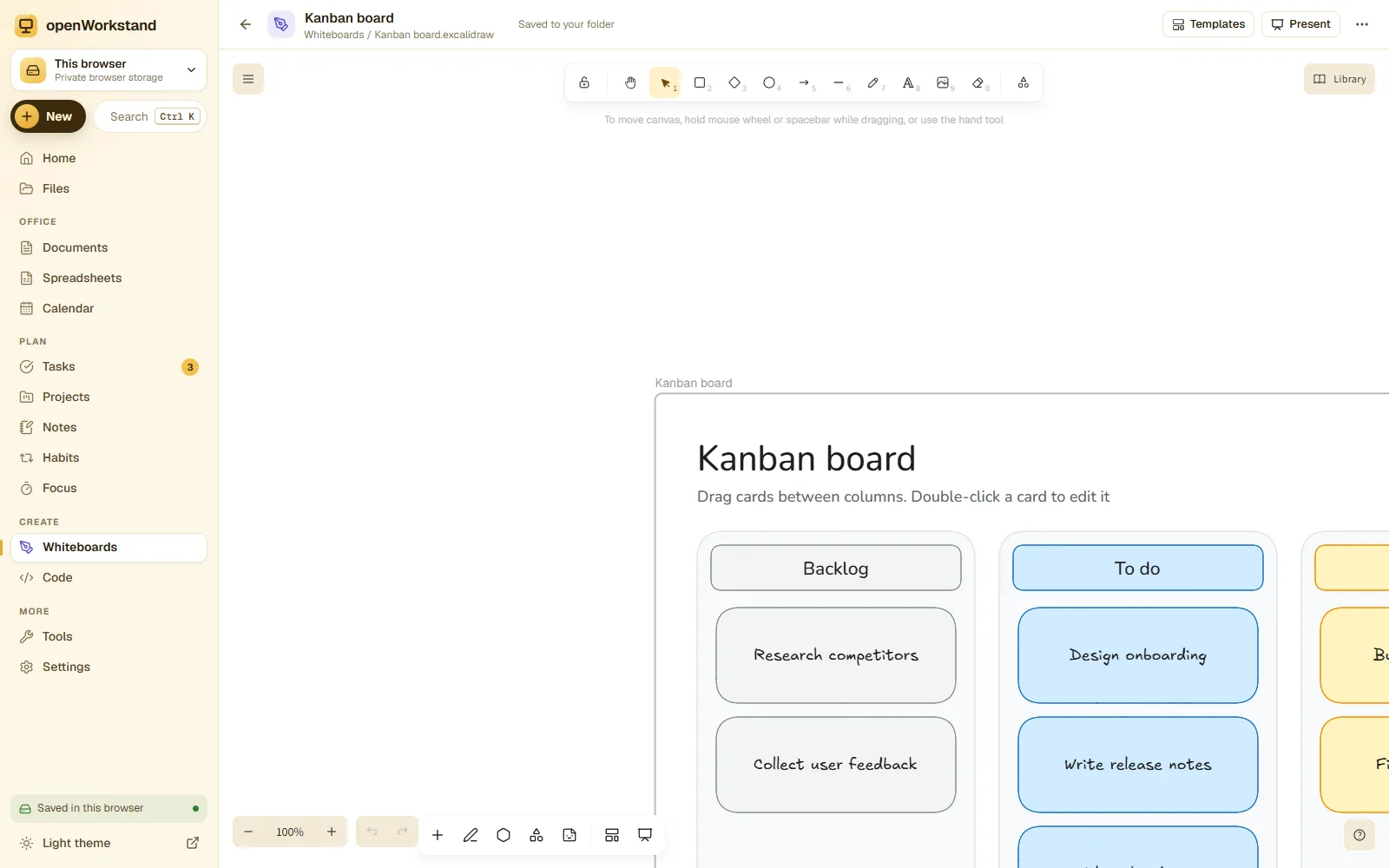
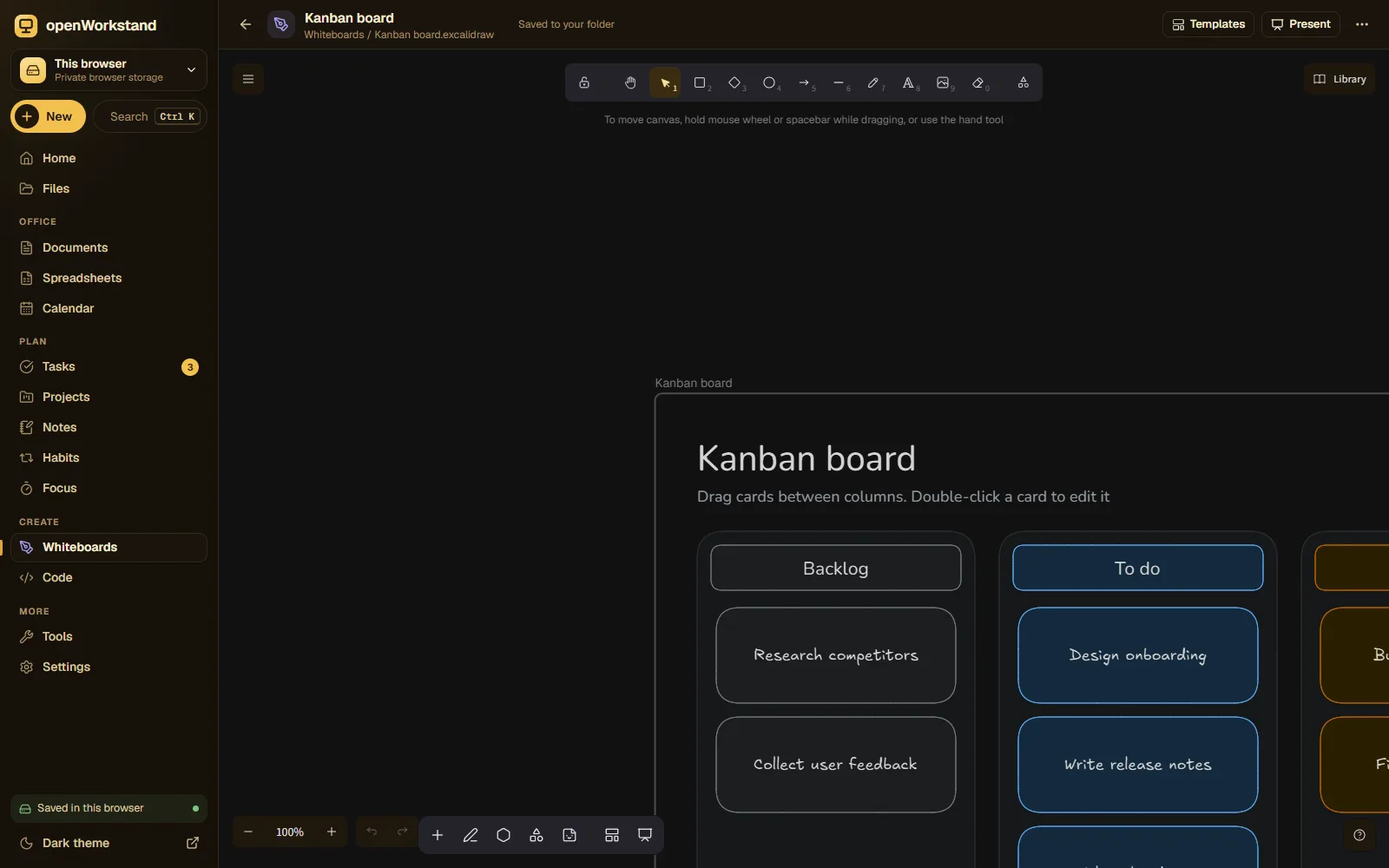
Sketch diagrams, mind maps, flowcharts and lesson plans on an endless canvas with a hand-drawn feel. Start from 30 templates, then save the board as a file in your own folder.
What you get
Draw anything
Shapes, arrows, text, sticky notes, freehand pens and images.
30 templates
Mind maps, kanban, SWOT, user journeys, retrospectives and lesson plans.
Creative toolkit
Stickers, icons, shapes and a presenter mode for walking through ideas.
Images and exports
Drop images onto the board and export PNG or SVG in one click.
Open format
Boards are .excalidraw files that open in Excalidraw and other compatible apps.
Private by default
Boards are saved in your Whiteboards folder, never on our servers.
Three steps. No account.
- Choose a folder on your computer for your workspace.
- Open a blank board or pick a template.
- Draw, then export or keep the file in your folder.
Saved in your own Whiteboards folder.
openWorkstand works on files in a folder you choose on your computer. Nothing is uploaded and there is no account, so yourwhiteboard stay private and keep working without the internet.
File formats
- .excalidraw
- PNG
- SVG
Stored in
- Whiteboards/
- My openWorkstand
- Documents
- Spreadsheets
- Notes
- Tasks
- Projects
- Calendar
- Whiteboards← Whiteboard
- Code
- PDFs
- Images
Frequently asked questions
Where are my files saved?
In a folder you choose on your own computer (for example Documents/openWorkstand). openWorkstand has no servers that store your work, so nothing is uploaded. In browsers that cannot open a folder, files are kept in private browser storage on your device and you can download them at any time.
Is it really free?
Yes. There is no paid plan, no trial and no account. openWorkstand is supported by a few ads on public tool pages; there are never ads inside your workspace.
Ready when you are.
No sign-up, nothing to install. Your files stay on your computer.