Plan every project.
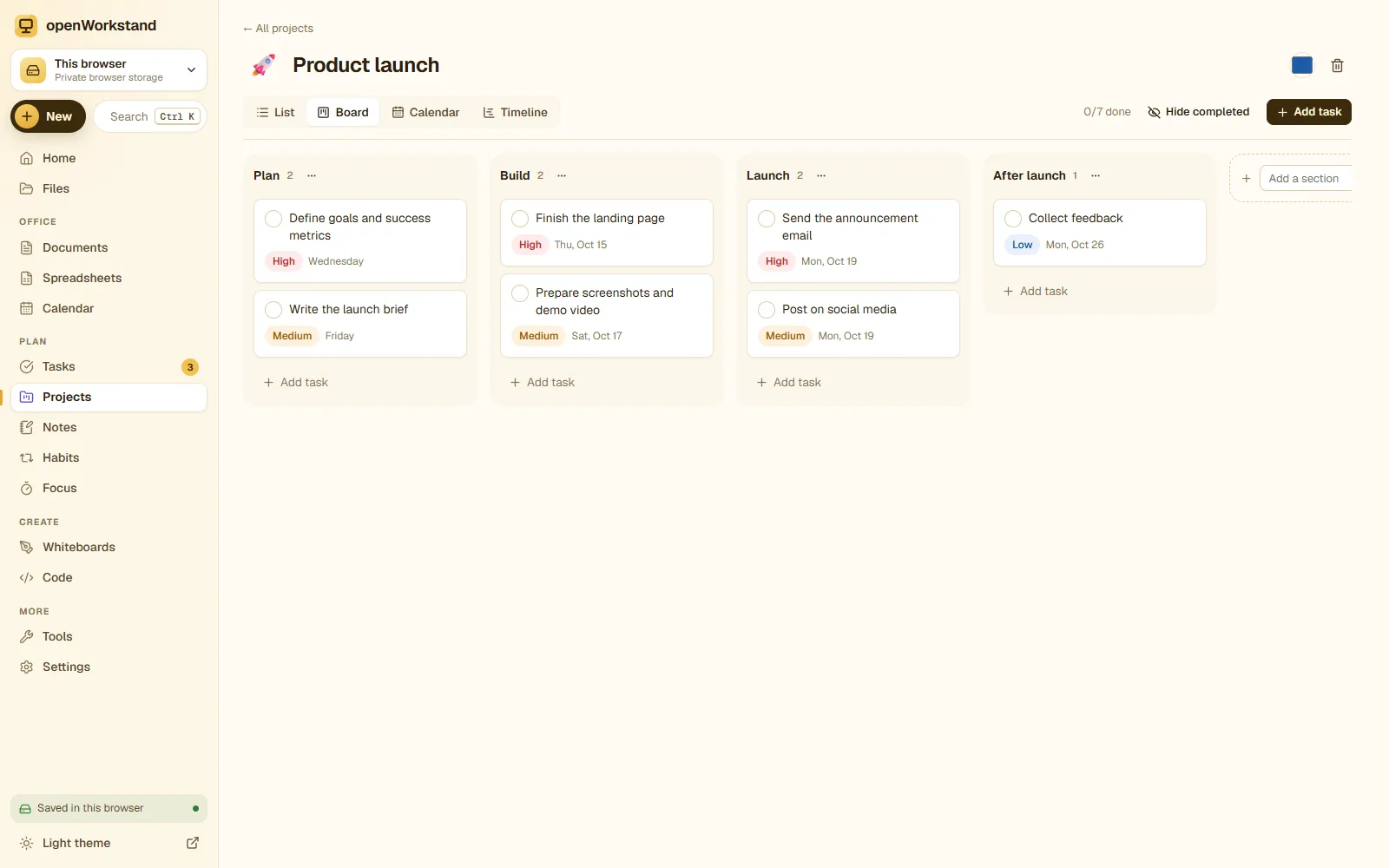
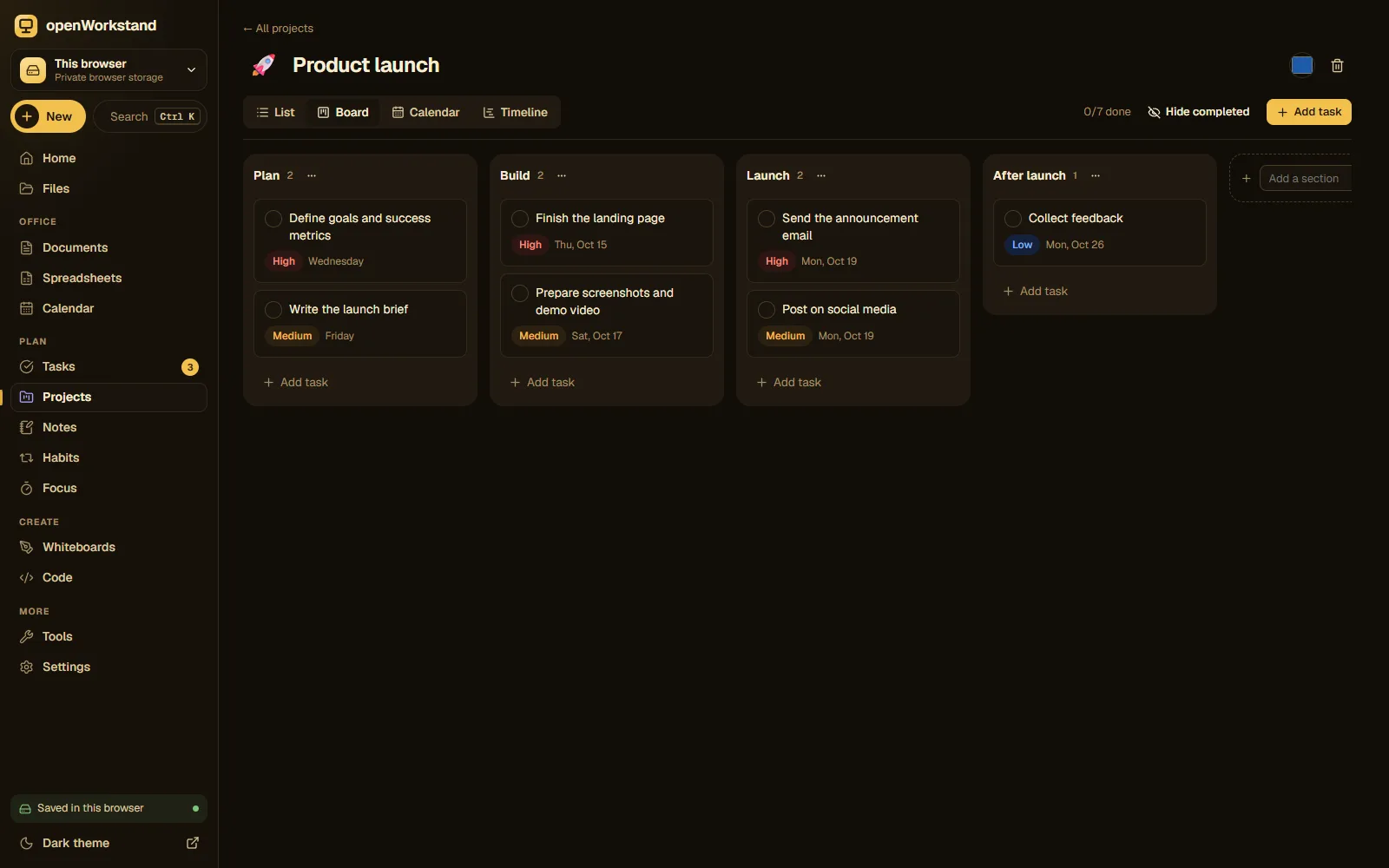
Boards, lists, a calendar and a timeline for the same tasks, with sections, subtasks, assignees, tags, priorities and due dates. Everything you expect from paid project tools, without the subscription.
What you get
Kanban boards
Drag cards between sections like To do, Doing and Done to see work flow at a glance.
Lists with sections
A fast list view for planning, with drag-and-drop between sections.
Calendar view
See tasks by due date on a monthly calendar and drag them to reschedule.
Timeline
Plan with start and due dates on a Gantt-style timeline to spot overlaps early.
Subtasks and details
Break work down with subtasks, descriptions, tags, priorities and assignees.
Templates
Product launch, content calendar, sprint, event planning, coursework and personal goals.
Three steps. No account.
- Choose a folder on your computer for your workspace.
- Create a project or start from a template.
- Switch between board, list, calendar and timeline views.
Saved in your own Projects folder.
openWorkstand works on files in a folder you choose on your computer. Nothing is uploaded and there is no account, so yourprojects stay private and keep working without the internet.
File formats
- JSON
- CSV export
Stored in
- Projects/
- My openWorkstand
- Documents
- Spreadsheets
- Notes
- Tasks
- Projects← Projects
- Calendar
- Whiteboards
- Code
- PDFs
- Images
A free alternative to paid project management apps
Most project tools are free for a few people and then charge per seat. openWorkstand gives you boards, lists, calendars and timelines for unlimited projects and tasks at no cost, because your projects are files on your own computer instead of rows in our database.
Put your workspace folder in a synced folder (OneDrive, Dropbox or Google Drive for desktop) and your projects follow you between computers, still without a openWorkstand account.
Frequently asked questions
Can my team use the same project?
Each project is a file in your Projects folder. Put the workspace folder in a shared, synced folder (such as OneDrive or Dropbox) to use it on several computers; avoid editing the same project at the same time.
Where are my files saved?
In a folder you choose on your own computer (for example Documents/openWorkstand). openWorkstand has no servers that store your work, so nothing is uploaded. In browsers that cannot open a folder, files are kept in private browser storage on your device and you can download them at any time.
Is it really free?
Yes. There is no paid plan, no trial and no account. openWorkstand is supported by a few ads on public tool pages; there are never ads inside your workspace.
Ready when you are.
No sign-up, nothing to install. Your files stay on your computer.