Your week, planned.
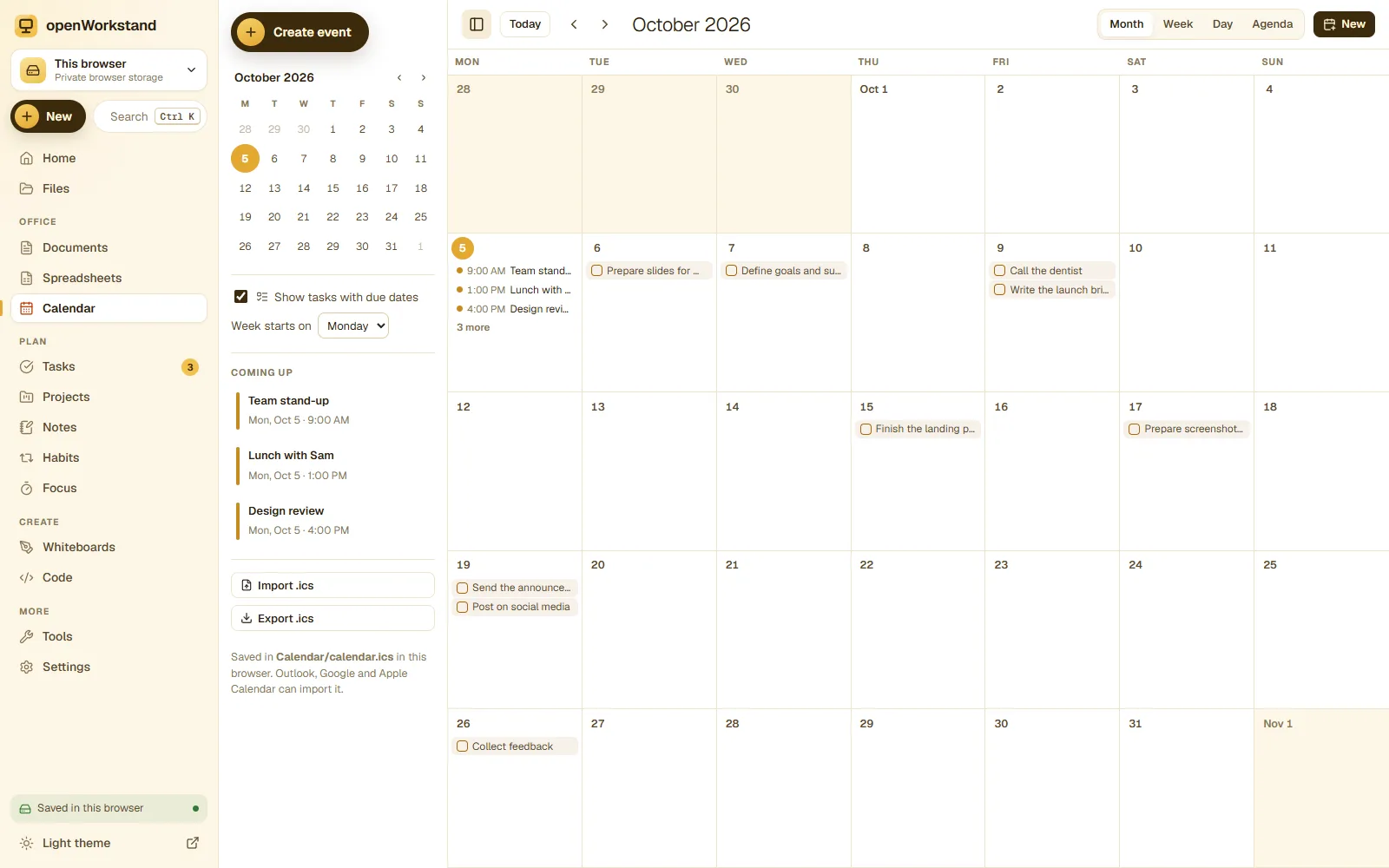
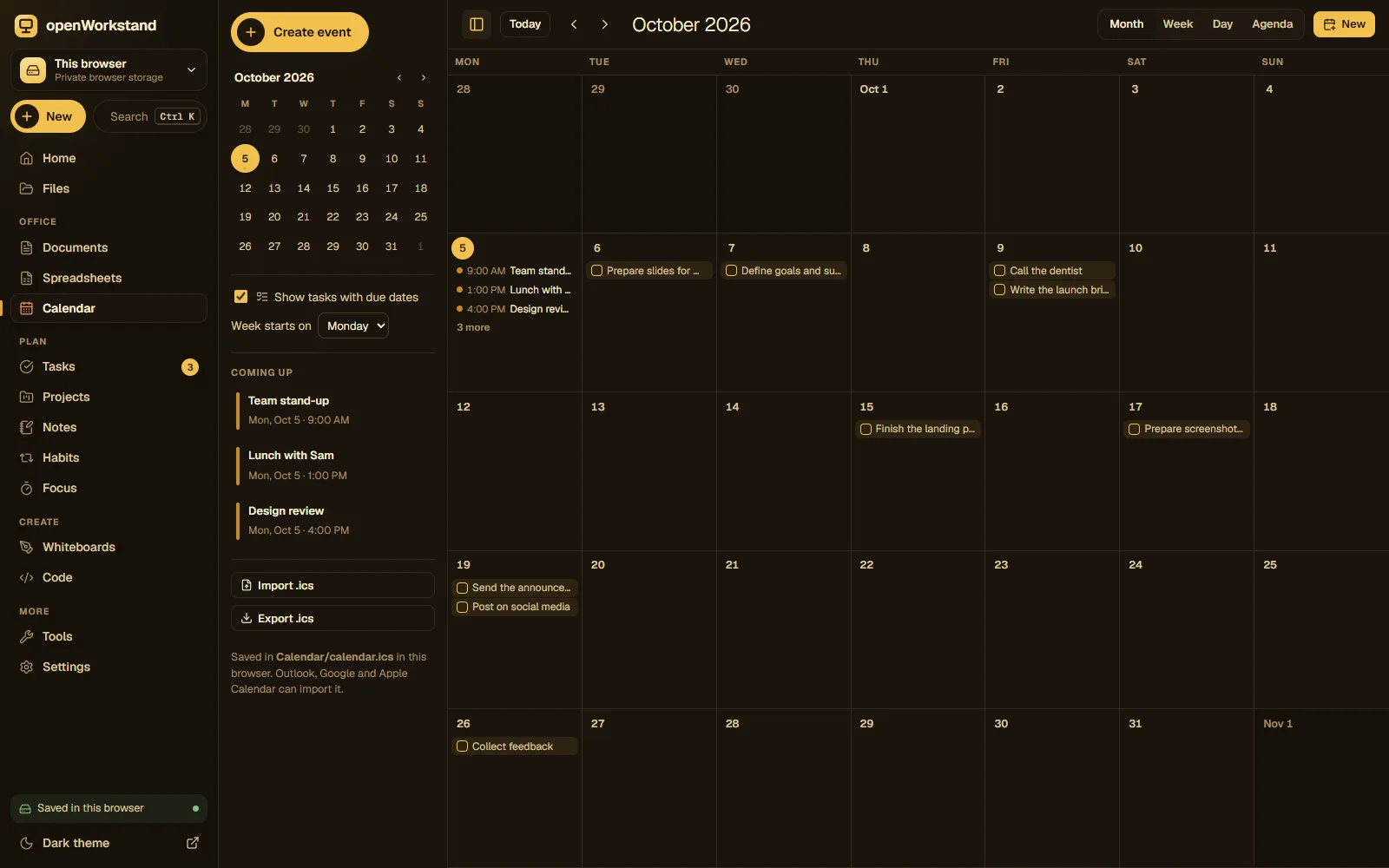
Plan meetings, classes, shifts and deadlines in month, week, day and agenda views. Your tasks with due dates appear right in the calendar, and everything is saved as a standard .ics file on your computer.
What you get
Month, week, day, agenda
Switch views in one click and jump to any date.
Recurring events
Daily, weekly, monthly and yearly events for classes, shifts and birthdays.
Reminders
Get a notification before an event while openWorkstand is open.
Tasks in your calendar
Tasks and project deadlines show up on their due dates.
Import and export .ics
Bring events from Google Calendar or Outlook and export them back at any time.
No account
Your calendar is a file on your computer, not in someone else’s cloud.
Three steps. No account.
- Choose a folder on your computer for your workspace.
- Click a day to add an event, or import an .ics file.
- See your events and tasks together in the view you like.
Saved in your own Calendar folder.
openWorkstand works on files in a folder you choose on your computer. Nothing is uploaded and there is no account, so yourcalendar stay private and keep working without the internet.
File formats
- ICS (iCalendar)
Stored in
- Calendar/
- My openWorkstand
- Documents
- Spreadsheets
- Notes
- Tasks
- Projects
- Calendar← Calendar
- Whiteboards
- Code
- PDFs
- Images
Frequently asked questions
Can I import my Google Calendar?
Yes. In Google Calendar choose Settings → Import & export → Export, unzip the file and open the .ics in openWorkstand.
Does it send reminders?
openWorkstand shows browser notifications for events while a openWorkstand tab is open. It does not send emails, because it has no server and no account.
Where are my files saved?
In a folder you choose on your own computer (for example Documents/openWorkstand). openWorkstand has no servers that store your work, so nothing is uploaded. In browsers that cannot open a folder, files are kept in private browser storage on your device and you can download them at any time.
Is it really free?
Yes. There is no paid plan, no trial and no account. openWorkstand is supported by a few ads on public tool pages; there are never ads inside your workspace.
Ready when you are.
No sign-up, nothing to install. Your files stay on your computer.