Deep work, one session at a time.
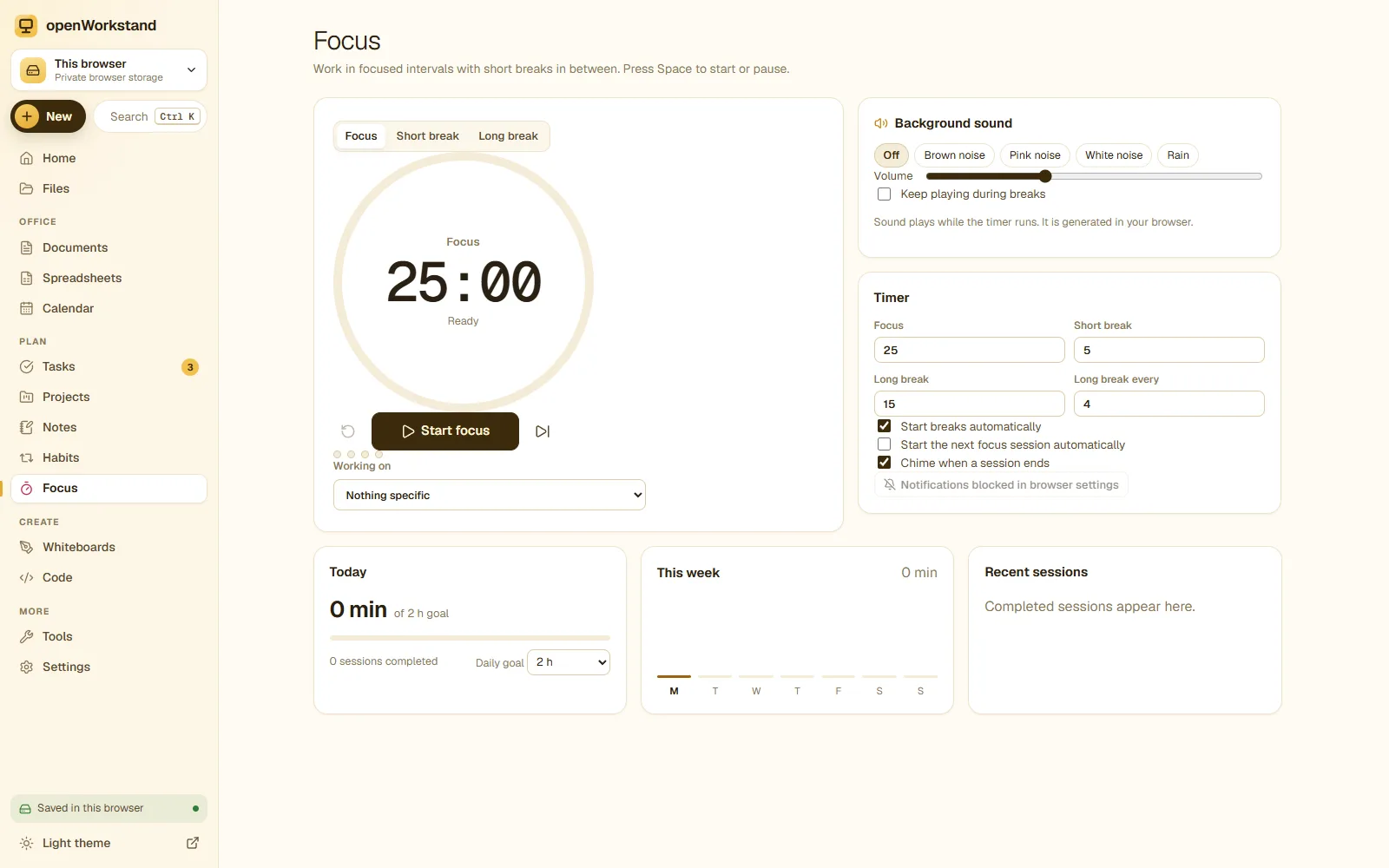
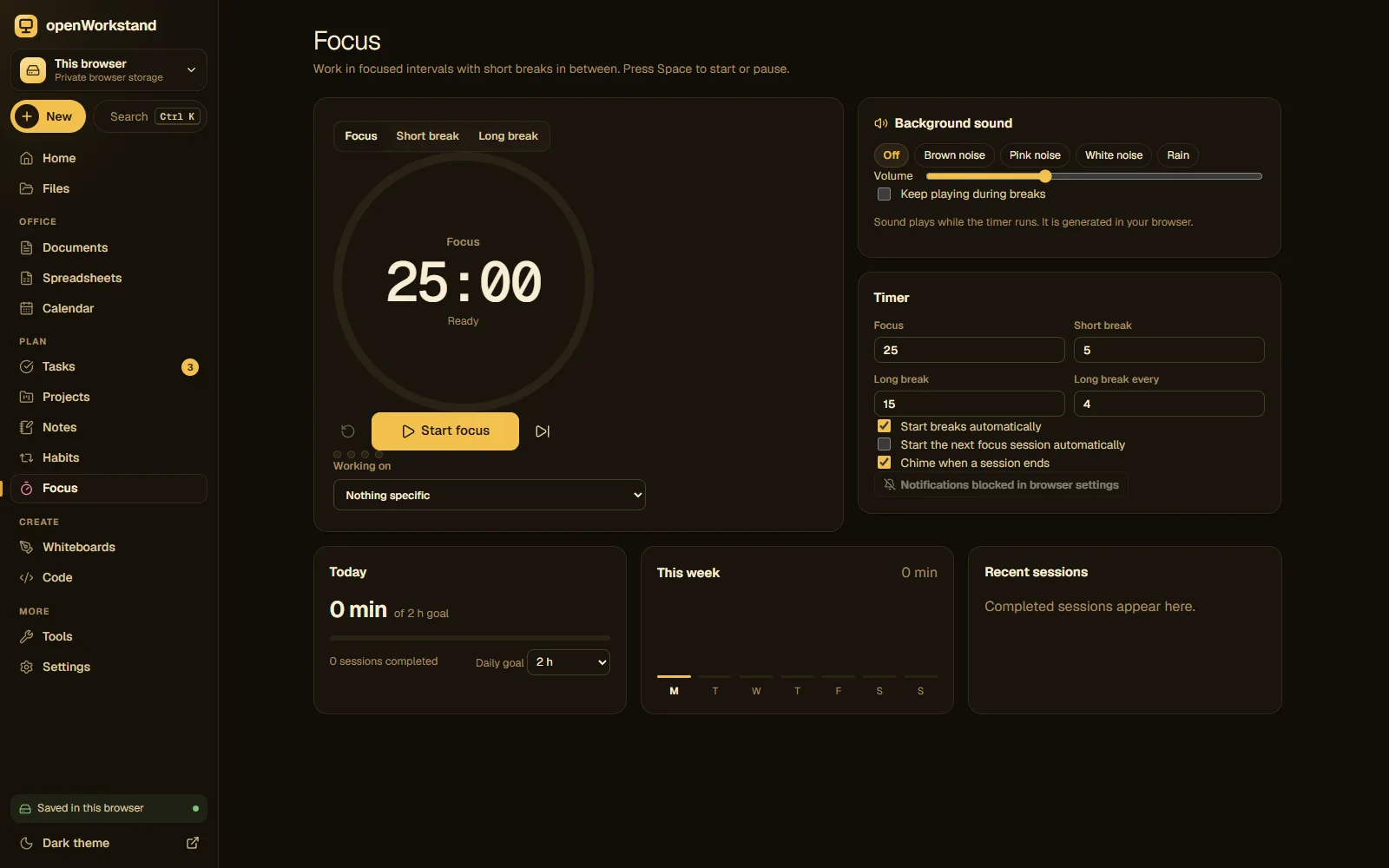
Work in focused 25-minute sessions with short breaks, link a session to a task, play calming background sound and watch your daily focus time and streak grow.
What you get
Pomodoro sessions
Focus, short break and long break with custom lengths.
Daily goal
Set minutes of focus per day and see your progress.
Streaks and stats
Daily totals, streaks and a 7-day chart.
Focus on a task
Link sessions to tasks and log the time spent.
Gentle alerts
A sound and notification when a session ends.
Works offline
Keeps running in the background tab, no internet needed.
Three steps. No account.
- Pick a task or just press Start.
- Focus until the bell, then take a short break.
- Watch your focus time and streak grow.
Saved in your own Tasks folder.
openWorkstand works on files in a folder you choose on your computer. Nothing is uploaded and there is no account, so yourfocus timer stay private and keep working without the internet.
File formats
- JSON
Stored in
- Tasks/
- My openWorkstand
- Documents
- Spreadsheets
- Notes
- Tasks← Focus timer
- Projects
- Calendar
- Whiteboards
- Code
- PDFs
- Images
Frequently asked questions
Where are my files saved?
In a folder you choose on your own computer (for example Documents/openWorkstand). openWorkstand has no servers that store your work, so nothing is uploaded. In browsers that cannot open a folder, files are kept in private browser storage on your device and you can download them at any time.
Is it really free?
Yes. There is no paid plan, no trial and no account. openWorkstand is supported by a few ads on public tool pages; there are never ads inside your workspace.
Ready when you are.
No sign-up, nothing to install. Your files stay on your computer.