Code with a live preview.
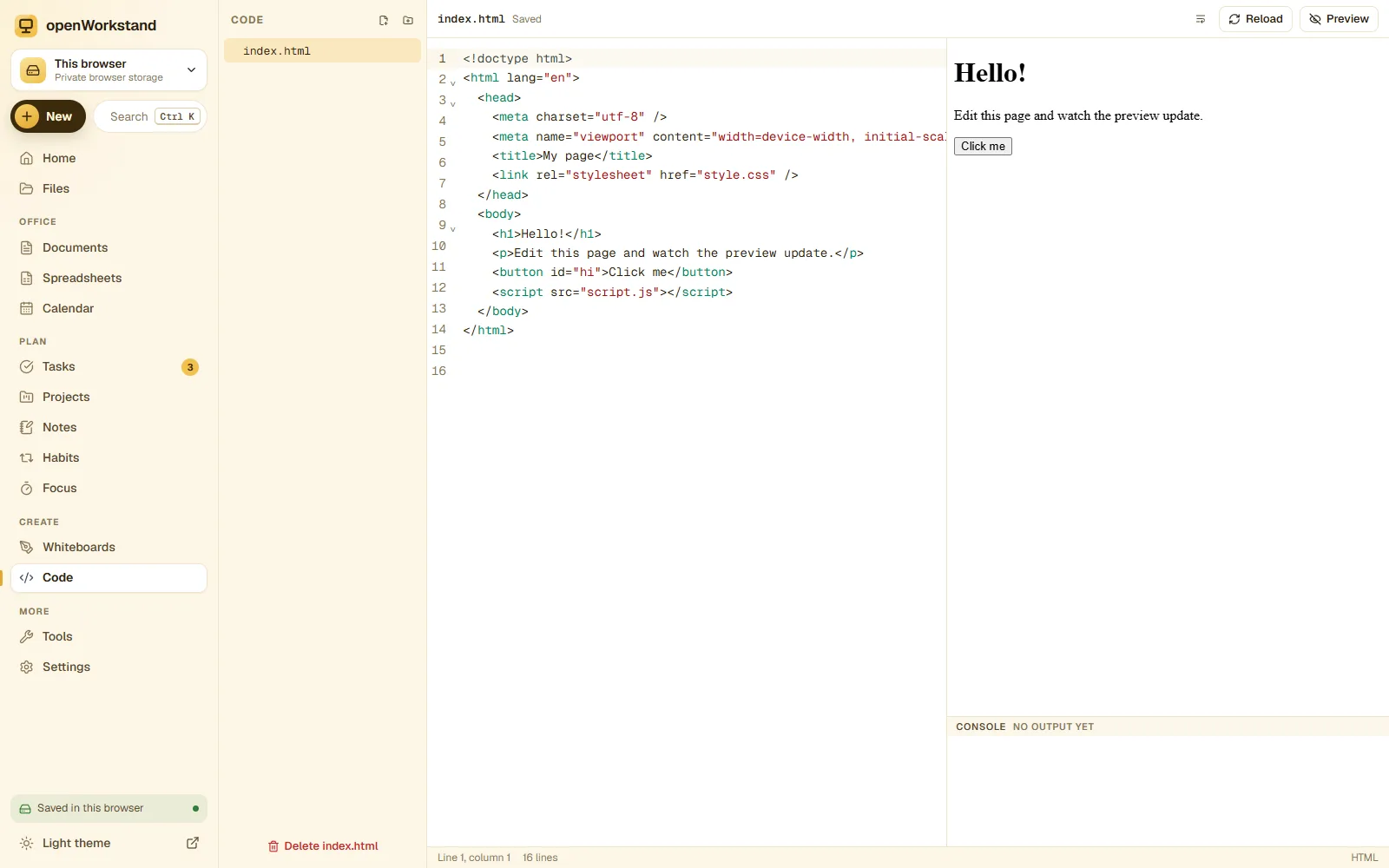
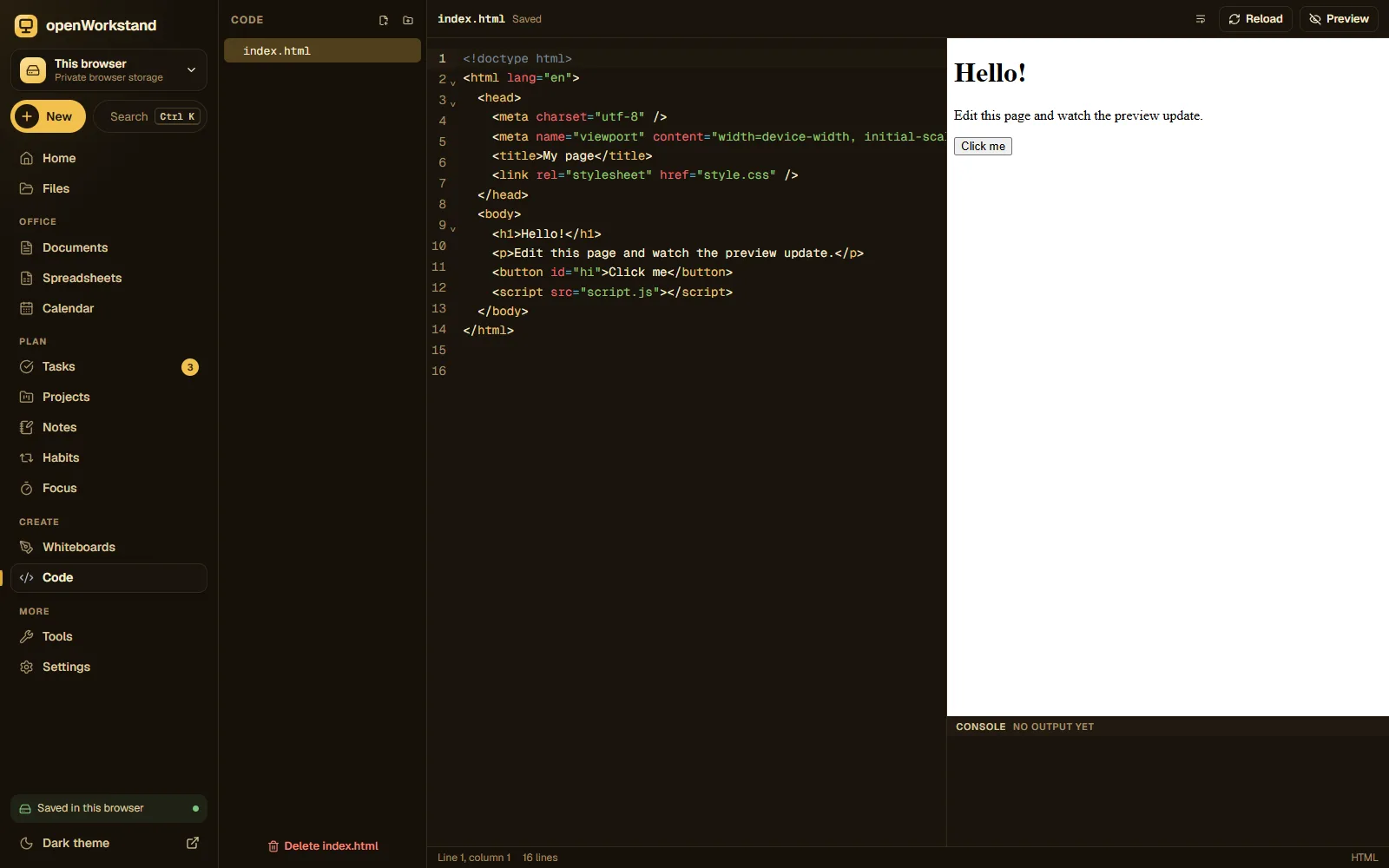
A fast editor for web pages, scripts and notes in 100+ languages. Open your Code folder, edit files with syntax highlighting and see HTML, CSS and JavaScript come alive in the preview.
What you get
100+ languages
Syntax highlighting for HTML, CSS, JavaScript, TypeScript, Python, Java, C, SQL and more.
Live preview
See HTML, CSS and JavaScript render as you type, safely sandboxed.
Real files and folders
Create, rename and organize files in your own Code folder.
Search and replace
Find in file, multiple cursors, bracket matching and code folding.
Markdown preview
Write README files and see the formatted result side by side.
Works offline
Everything runs in your browser; no build server, no account.
Three steps. No account.
- Choose a folder on your computer for your workspace.
- Open the Code folder and create a file.
- Edit with highlighting and watch the live preview.
Saved in your own Code folder.
openWorkstand works on files in a folder you choose on your computer. Nothing is uploaded and there is no account, so yourcode editor stay private and keep working without the internet.
File formats
- HTML
- CSS
- JS / TS
- Python
- JSON
- Markdown
- 100+ more
Stored in
- Code/
- My openWorkstand
- Documents
- Spreadsheets
- Notes
- Tasks
- Projects
- Calendar
- Whiteboards
- Code← Code editor
- PDFs
- Images
Frequently asked questions
Where are my files saved?
In a folder you choose on your own computer (for example Documents/openWorkstand). openWorkstand has no servers that store your work, so nothing is uploaded. In browsers that cannot open a folder, files are kept in private browser storage on your device and you can download them at any time.
Is it really free?
Yes. There is no paid plan, no trial and no account. openWorkstand is supported by a few ads on public tool pages; there are never ads inside your workspace.
Ready when you are.
No sign-up, nothing to install. Your files stay on your computer.