Small habits, every day.
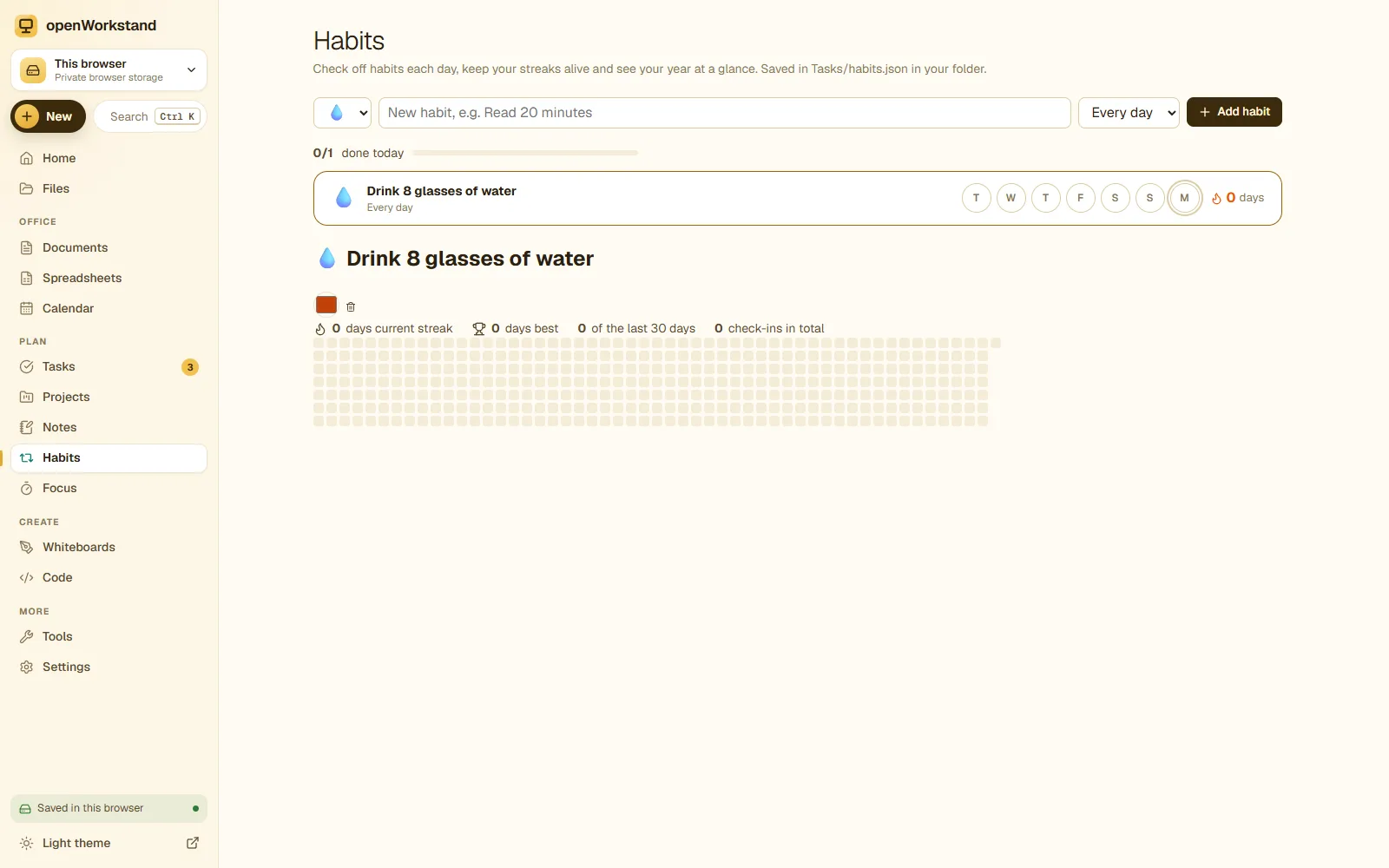
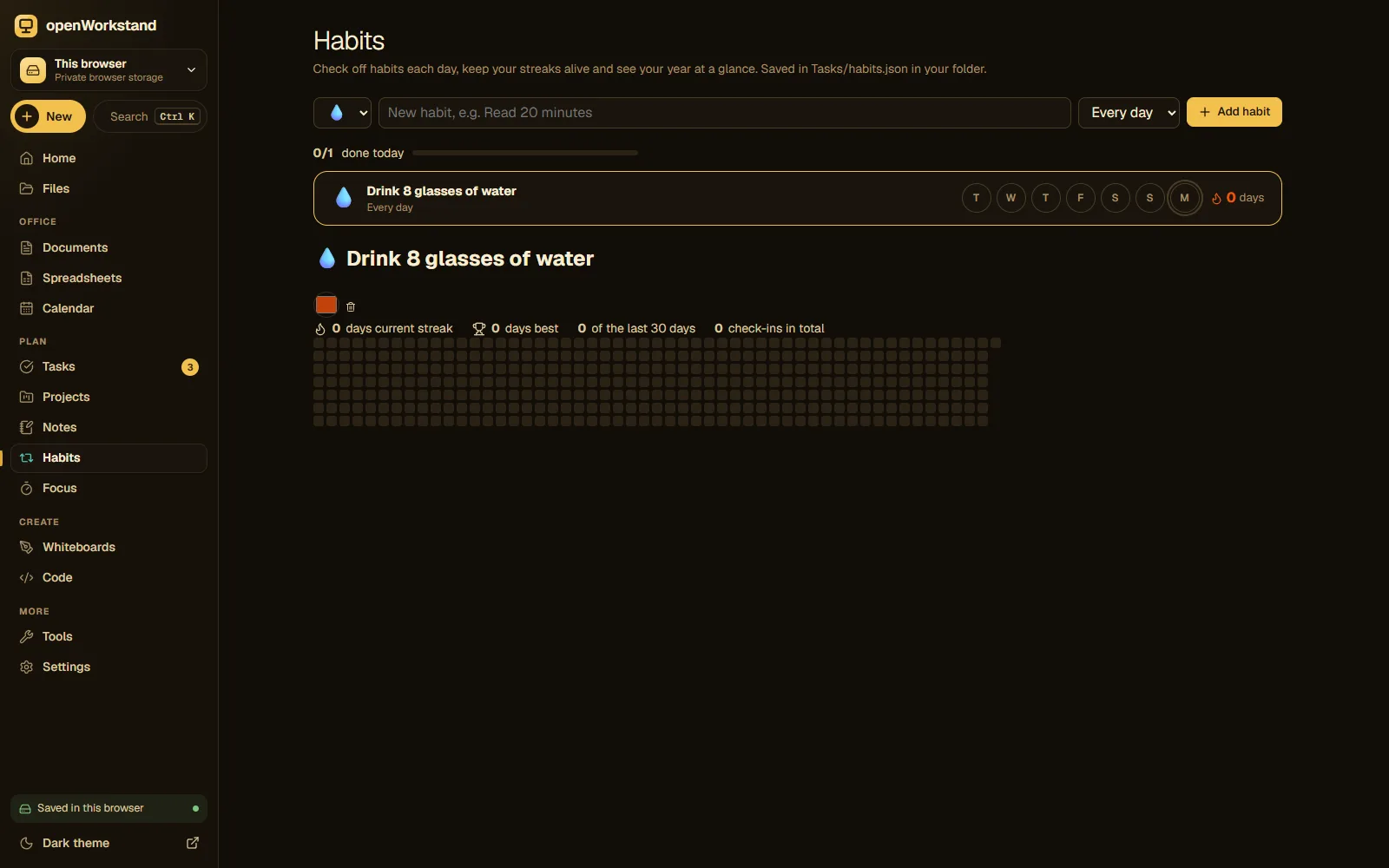
Check off habits in one tap, watch your streaks grow and see your whole year on a heatmap: reading, exercise, water, study, meditation, whatever you want to do more of.
What you get
One-tap check-ins
Mark a habit done for today, or catch up on the last few days.
Streaks
Current and best streaks keep you motivated.
Yearly heatmap
See every day of the year at a glance.
Flexible goals
Every day, or a number of times per week.
On your home screen
Habits sit next to your agenda, tasks and focus timer.
Private
Stored in your own workspace folder only.
Three steps. No account.
- Add a habit and how often you want to do it.
- Check it off each day.
- Watch your streak and heatmap fill up.
Saved in your own Tasks folder.
openWorkstand works on files in a folder you choose on your computer. Nothing is uploaded and there is no account, so yourhabit tracker stay private and keep working without the internet.
File formats
- JSON
Stored in
- Tasks/
- My openWorkstand
- Documents
- Spreadsheets
- Notes
- Tasks← Habit tracker
- Projects
- Calendar
- Whiteboards
- Code
- PDFs
- Images
Frequently asked questions
Where are my files saved?
In a folder you choose on your own computer (for example Documents/openWorkstand). openWorkstand has no servers that store your work, so nothing is uploaded. In browsers that cannot open a folder, files are kept in private browser storage on your device and you can download them at any time.
Is it really free?
Yes. There is no paid plan, no trial and no account. openWorkstand is supported by a few ads on public tool pages; there are never ads inside your workspace.
Ready when you are.
No sign-up, nothing to install. Your files stay on your computer.